


Loading…
Skip to content
Expio scan screen on an iPhone: scan a receipt, pick from gallery, enter manually, batch scan or upload a file
AI Receipt ScanInstant AI Processing

Snap the receipt.Expio does the rest.

Scan receipts with AI, import bank statements and see exactly where your money goes — in any currency, for yourself or your whole team.

Scroll
Scanning a receipt with Expio
01 — Scan

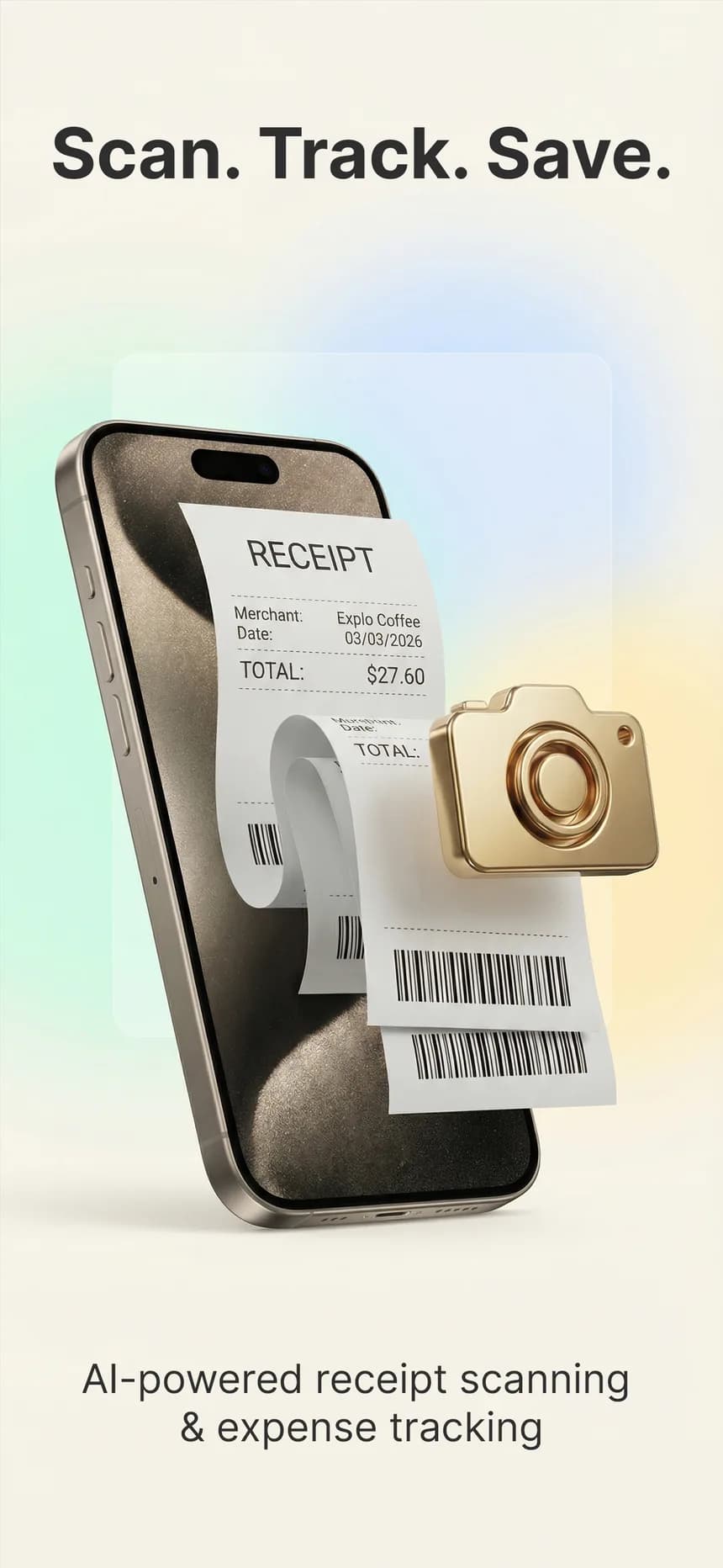
Scan or uploadany receipt

Point your camera, pick a photo or upload a PDF. AI reads the merchant, amount, date, tax and line items in seconds. Got a stack? Batch-scan it. Got a whole month? Upload your bank or card statement as PDF, Excel, CSV or image.


Expio home screen with monthly total and recent transactions
02 — Track

See whereyour money goes

Every expense is sorted into a category automatically. Your home screen shows this month's total, your budget progress and your latest transactions — review, edit and search anytime.

Expio reports with charts and PDF and Excel export buttons
03 — Report

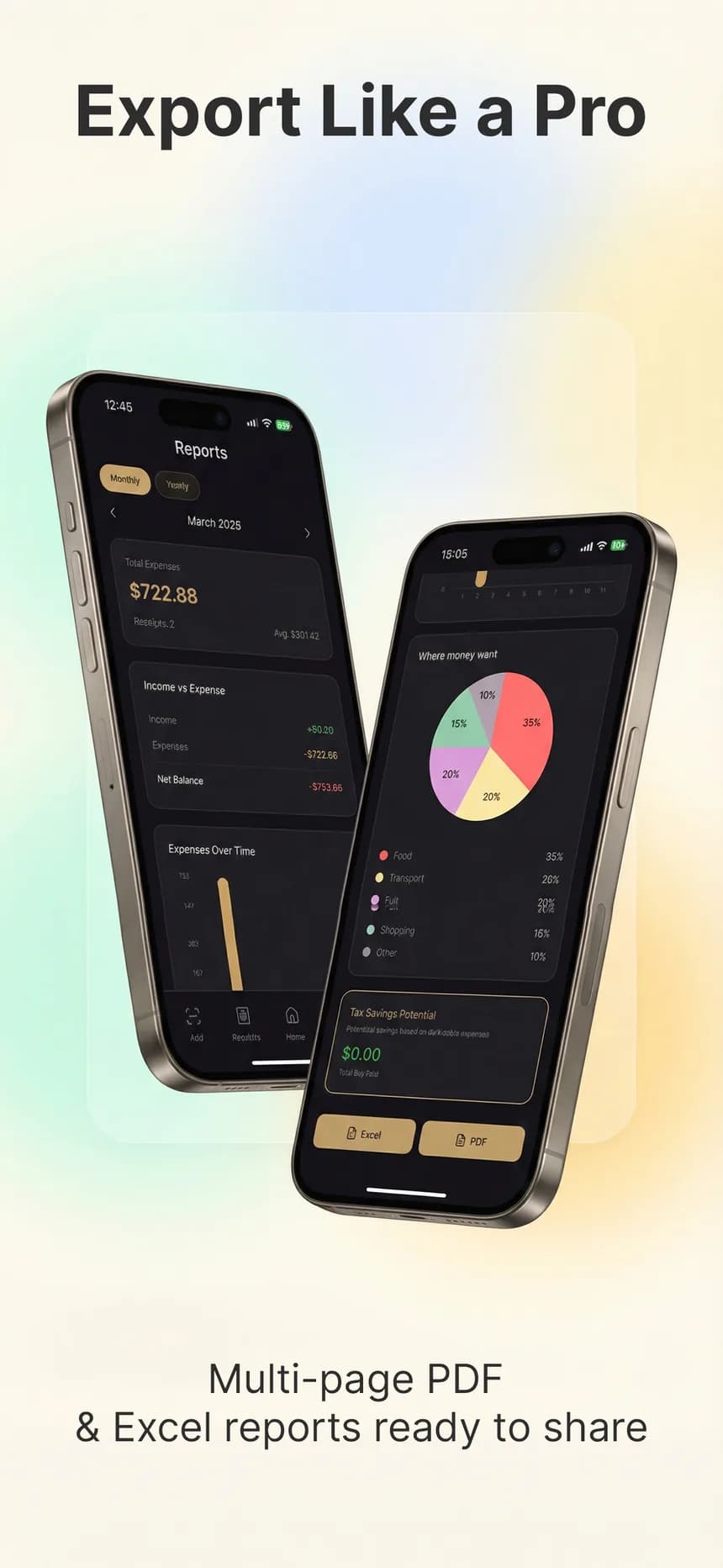
Reports thatwrite themselves

Category breakdowns, top merchants, income vs. expenses and monthly or yearly trends. Export a multi-page PDF, an Excel workbook or a CSV in one tap and share it with your accountant.

Creating an organization in Expio
04 — Team

Share expenseswith your team

Create an organization, invite members with a link or QR code and decide who can view, edit or export. Switch between personal and team accounts in one tap.

Tax season,without the scramble.

Mark each expense as personal, business or mixed and add a business purpose. For US users, the Tax center maps expenses to Schedule C lines and shows quarterly totals; in other countries it breaks down VAT by rate. With Pro, download an accountant package — a ZIP with your summary, a transactions CSV and the receipt images. Expio organizes your records; it is not tax advice.

Expio reports with spending by category and tax savings

Any currency.One clear total.

Paid in euros, lira or yen? Expio keeps every receipt in the currency you actually paid in.

Totals and reports are converted to the currency you choose with up-to-date exchange rates — across 16 supported currencies.

Tax settings for 26 countries and every US state: pick yours, or let Expio suggest it from your location.

Currency picker in Expio

Your money, at a glance.

Monthly overview in Expio

*Screens are illustrative

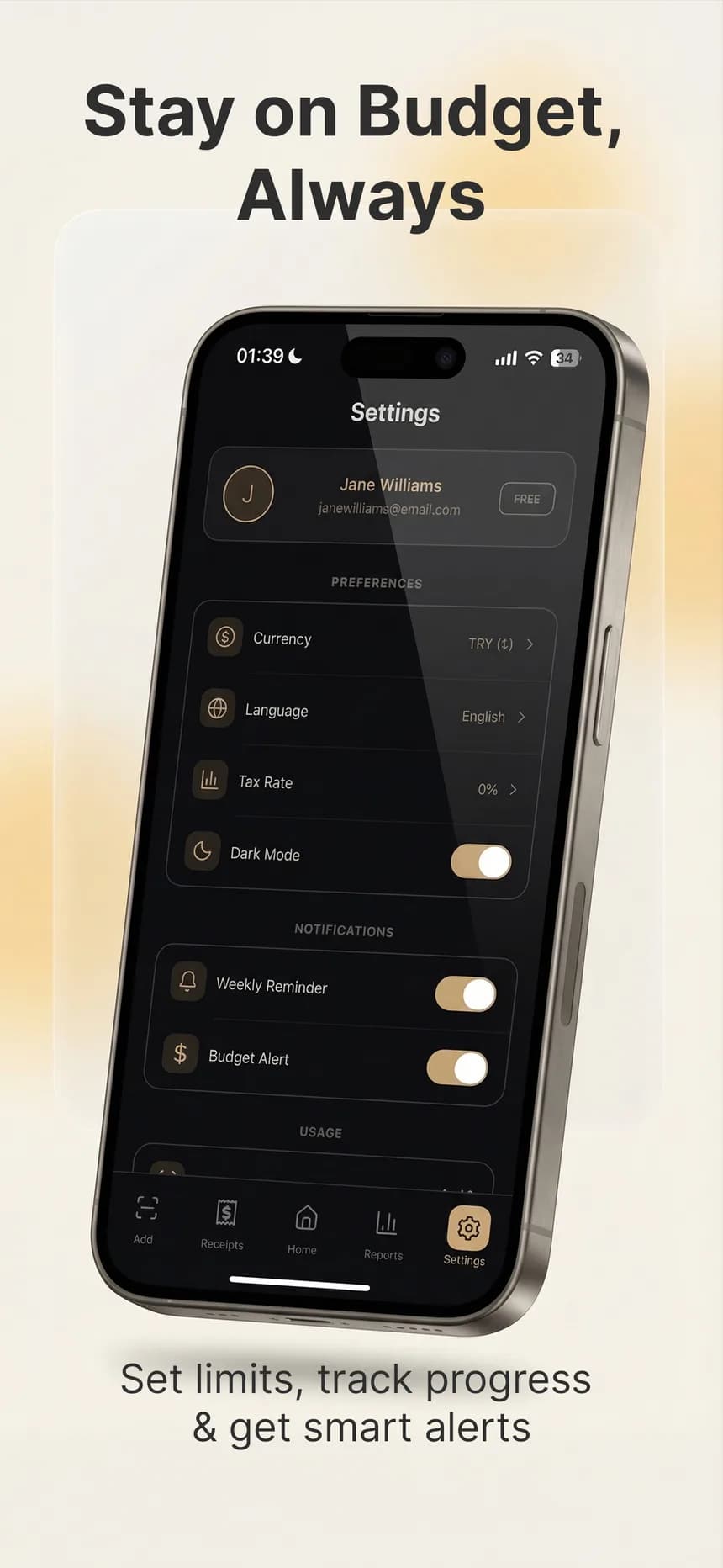
This month's total, budget progress and your latest transactions — the moment you open the app, for your personal account or any organization you belong to.

Set a monthly budget, choose when to be alerted and switch on a weekly reminder so tracking never slips.

Say goodbye to shoeboxes full of faded receipts.

Every receipt image is stored securely in the cloud, right next to its expense — ready for tax time, a reimbursement or a return. New phone? Sign in and everything is where you left it.

A receipt being scanned into Expio
15free AI scans every month

Smart budget alerts.

Know before you overspend.

Set a monthly budget and get notified when you reach 50, 70, 80 or 90% of it — you choose the threshold.

Weekly reminders.

A nudge, not nagging.

Turn on the weekly reminder and Expio will prompt you once a week to add your receipts.

Made to fit you.

Your language, your currency, your tax rate.

Six app languages, 16 currencies, local tax rates, dark or light mode and budgets that match how you live.

Private by design.

Your receipts are never public.

Files open only through short-lived secure links. We don't sell your data, and receipts are never used to train AI models.

Built for teams.

The right access for every member.

Admins, members and viewers each get their own role, with permissions you can fine-tune per person.

Motivating, too.

A habit that sticks.

Streaks and 15 achievements reward you for staying on top of your spending.

Made forfreelancers

Download Expio. Master your money.

Free to start: 15 AI scans, 35 manual entries and one statement import every month. Go Pro to remove the limits and unlock the full Tax center.

Frequently asked questions

Expio is an AI-powered receipt scanner and expense tracker for iPhone, iPad and Android. Scan receipts, import bank statements, track spending in 16 currencies, set budgets and export PDF, Excel or CSV reports.